

A heatmap can show why a page fails to convert. It can also expose patient intent if you track the wrong area. For medical practice websites, HIPAA-safe heatmaps are no longer a nice extra.
HHS guidance has pushed healthcare teams to review tracking tools more closely, especially when website activity may connect to a person’s health or care. This article is informational, not legal advice, but it can help you spot common risk before a script creates a bigger problem.
Why ordinary heatmaps can become a HIPAA issue
Heatmaps track clicks, scrolls, and on-page behavior. On a public careers page, that may be ordinary analytics. On an appointment page, patient portal, or condition-specific service page, the same behavior can become much more sensitive.
The key difference is context. General analytics data describes anonymous website use. Potentially protected health information can emerge when website behavior is tied to an identifier, a treatment interest, a symptom, or a payment-related action. Full URLs, query strings, persistent IDs, typed text, and logged-in activity all raise the stakes.
This quick comparison helps frame the risk:
| Website signal | Usually general analytics | Possible PHI concern |
|---|---|---|
| Clicks on “About Us” | Yes | Rare |
| Scroll depth on a blog post | Yes | Sometimes |
| Appointment request behavior | No | Yes |
| Patient portal pageviews | No | Yes |
| Form field text or symptom searches | No | Yes |
In 2026, many practices also block non-essential trackers until a visitor consents. That helps, but consent alone does not fix over-collection. If the tool captures sensitive data, the safer move is to avoid collecting it at all.
What HIPAA-safe heatmaps look like in practice
A safer setup focuses on public, low-risk pages and strips out anything that could identify a person. That often means tracking menu clicks, scroll depth on educational content, engagement with provider bios, and interest in general service pages.
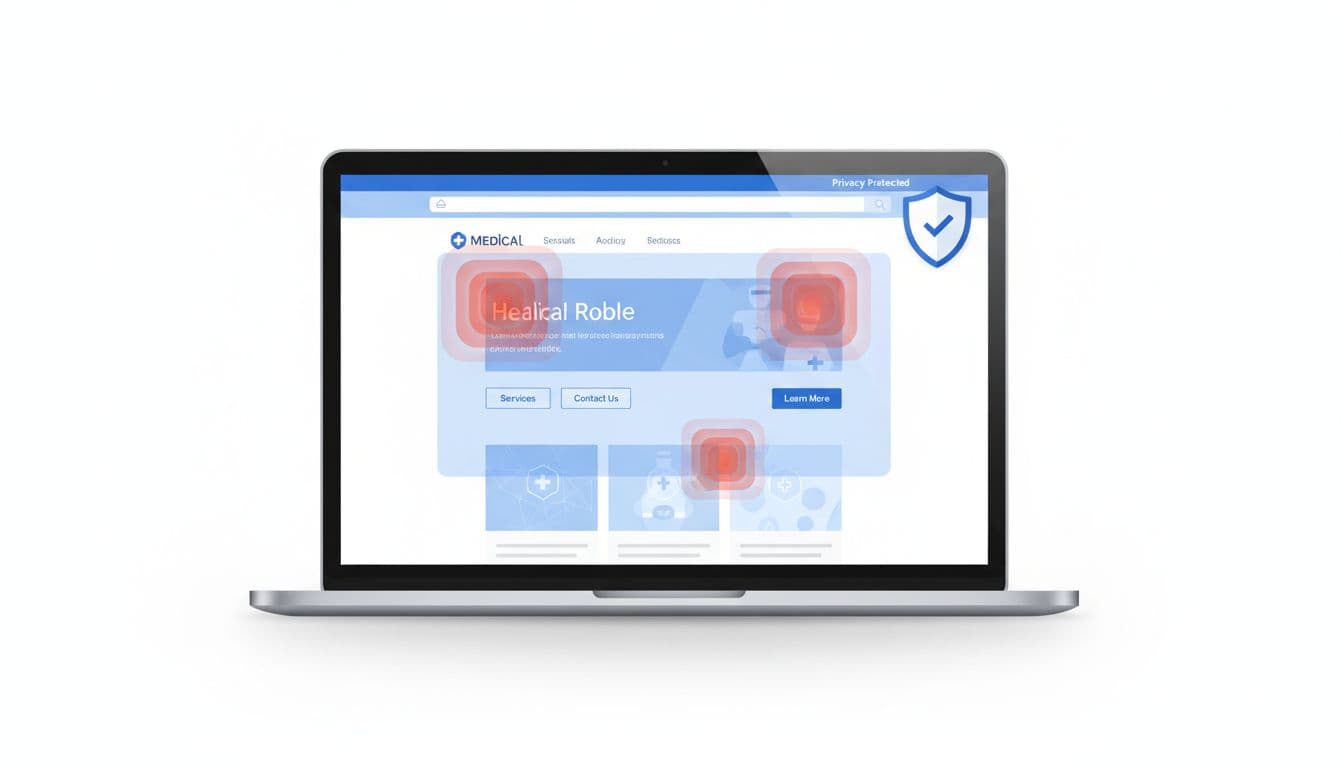
Some vendors advertise HIPAA-compliant heatmaps for healthcare websites. That label is only a starting point. You still need page exclusions, field masking, query-string suppression, access controls, retention limits, and clear documentation of what the tool collects.
If a tool can record typed text, full URLs, or logged-in behavior, treat it as a compliance review item before installing it.
The strongest principle is data minimization. Capture less. Keep it for less time. Limit who can see it. If a vendor could receive PHI in your setup, confirm BAA availability before launch.
High-risk pages medical practices should exclude
Start with appointment pages. A click on “Book a prenatal visit” or “Request a sleep study” can reveal treatment interest. Even if the heatmap never stores a diagnosis, the page context may still say too much.
Patient portals are riskier still. Portal paths, refill requests, billing views, lab results, and secure messages can connect identity and care in one session. Standard heatmaps and session replay tools do not belong there.
Forms need strict suppression. Do not capture names, phone numbers, emails, dates of birth, insurance details, symptoms, or free-text notes. A replay that shows someone typing “chest pain for three days” is not harmless UX data.
Condition pages can also become sensitive. A visit to fertility care, addiction treatment, oncology, HIV testing, or mental health pages may reveal private concerns when paired with persistent identifiers. The same goes for symptom searches, telehealth intake flows, referral forms, and payment pages.
The practical answer is simple. Exclude sensitive routes by default. Mask or suppress every field. Review event names and URLs so they do not contain diagnoses, patient IDs, or visit reasons.
Choosing vendors and SEO partners without adding compliance risk
Good measurement still drives growth. It helps you fix page friction, improve calls to action, and see whether organic traffic reaches the right content. For a medical practice, those gains only matter if the data stays safe.

Many owners start with searches like “SEO agency Hartford” or “SEO company Hartford CT”. Others compare “Hartford SEO services” pages after typing “local seo agency near me”. Those searches can find capable marketers, but healthcare websites need a team that reviews tracking code with the same care it gives rankings. A strong partner should pair reporting with a technical SEO audit for businesses and a privacy review.
Ask a short set of questions before any tool goes live:
- Which pages are excluded by default?
- Are fields, URLs, and query parameters masked before capture?
- Will the vendor sign a BAA where applicable?
- How long is the data stored, and who can access it?
- Can tracking stay blocked until consent on sensitive areas?
If you want reference points, review privacy-first healthcare tools like Ghost Metrics for healthcare analytics and broader HIPAA-compliant data analytics guidance for 2026. Use them to compare features, not to skip due diligence. Also ask who updates privacy disclosures and your Notice of Privacy Practices when website tracking changes.
A heatmap should help you find friction, not expose a patient’s story. The safest setup tracks only what you need, avoids medically sensitive pages, and documents vendor controls before launch.
That is the value of HIPAA-safe heatmaps. You still get insight, but you do it without turning patient trust into a tracking problem.
